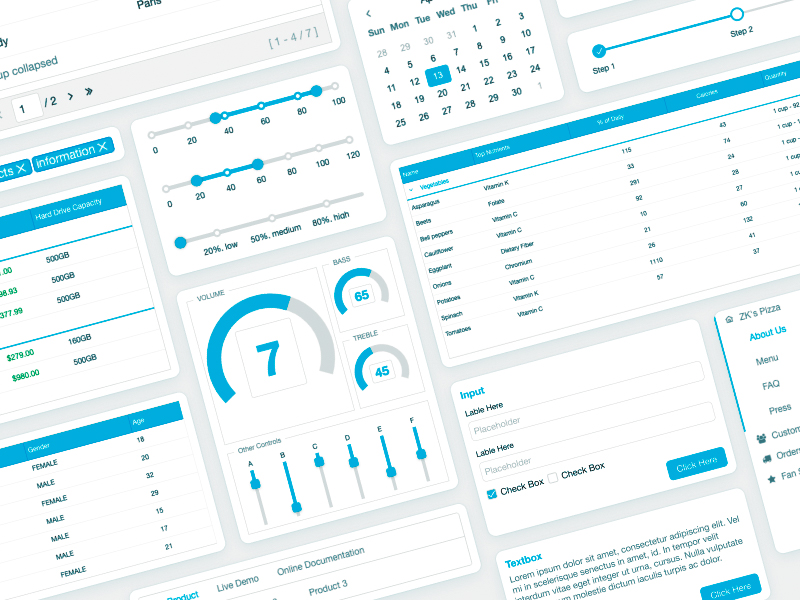
iDempiere, a popular open-source ERP platform, has long used ZK Community Edition (CE) as its default UI framework. As iDempiere applications continue to grow and evolve, we’ve seen increasing interest from the community in enhancing the user experience, working more effectively with data, and exploring additional UI capabilities.
In particular, developers have been looking to integrate ZK Charts to provide more modern and interactive data visualizations, use Keikai Spreadsheet for spreadsheet-like data workflows, and adopt ZK Enterprise Edition (EE) to take advantage of its advanced features and performance optimizations.
However, integrating these capabilities into an iDempiere application is not exactly the same as working with a standard ZK application.
Understanding the iDempiere + ZK Architecture
iDempiere is built on an OSGi-based plugin and fragment architecture, which brings flexibility and modularity, but also means that upgrading ZK editions or adding ZK add-on components requires a different integration approach. This is often where developers run into uncertainty or friction when trying to extend their UI beyond the default setup.
Making Integration Easier for the Community
To help smooth this process, we’ve prepared documentation and ready-to-use plugins that demonstrate how to integrate ZK EE and additional ZK components into iDempiere applications in a way that aligns with its OSGi architecture.
We’re excited to share these resources with the community:
These materials are intended to serve as a practical starting point for developers who want to enhance their iDempiere UI with richer components and improved capabilities. ZK CE remains the core foundation for iDempiere.
With Thanks to the iDempiere Community ❤
While building these plugins, we ran into a number of technical questions related to iDempiere’s architecture and integration patterns. Throughout this process, we received generous help and guidance from iDempiere’s core contributors and community members. Their responsiveness, technical depth, and willingness to share experience made a real difference. We’d like to sincerely thank the iDempiere community for fostering such a collaborative and welcoming environment.
Why Upgrade to ZK EE
While iDempiere is powerful with ZK CE, upgrading to ZK Enterprise (EE) unlocks advanced tools designed for high-scale ERP environments:
- Performance at Scale: Includes Render-on-Demand (ROD), Client ROD, and features that reduce server memory usage and speed up page loads for massive data tables.
- Modern UX & Accessibility: Access to touch-friendly Tablet UI and the
za11y module, which provides out-of-the-box WCAG compliance for standard ZK components.
- Advance Components, Features & Themes: 80+ advanced components, such as Navbar, Portallayout, Master-details, Shadow Elements, and more themes.
- Enterprise Security & Support: Benefit from prioritized bug fixes, a 1-business-day ZK support response time, and advanced security patches.
Learn More: ZK EE Features Breakdown. A trial copy of ZK EE/Charts is included in the plugin for evaluation. For production use, ZK EE requires either a ZOL (ZK Open Source License) or a commercial license. If you have any questions, please contact us at info@zkoss.org.
What’s Next
This is just the beginning. We plan to continue adding more plugins, examples, and sample integrations as we learn from real-world use cases.
We warmly welcome feedback, questions, and real-world requirements from the iDempiere community. If you have specific scenarios or challenges, feel free to share them with us — we’d be happy to explore them further and, where possible, turn them into shared examples for the benefit of the broader community. Feel free to provide your feedback in the ZK Forum or contact us at info@zkoss.org.