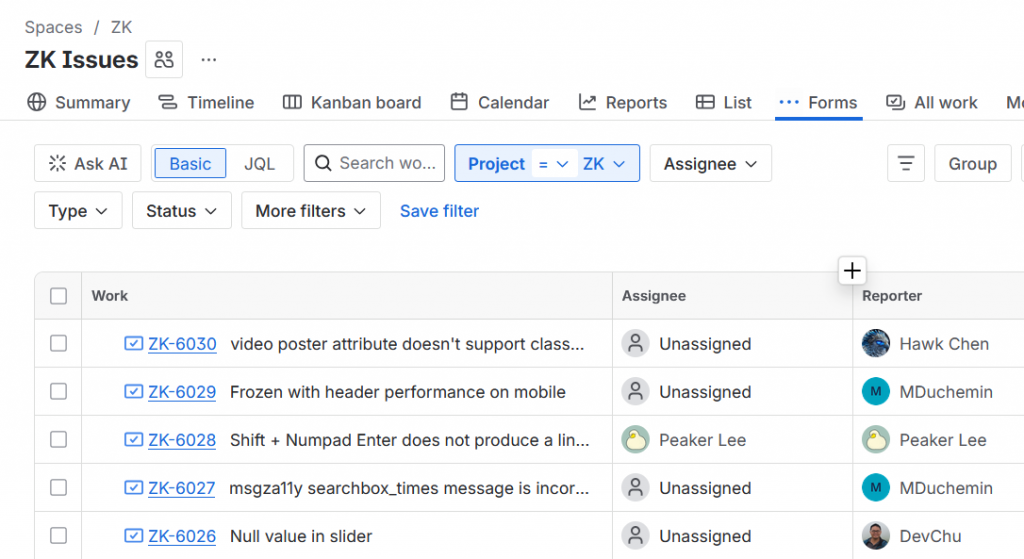
It may take some time before all existing URLs fully redirect. In the meantime, you can visit an issue using the new format: https://zkoss.atlassian.net/browse/ZK-<issue-number> For example: https://zkoss.atlassian.net/browse/ZK-6030
Viewing Issues
As before, you can browse and view all issues without signing in.
Creating or Interacting with Issues
To create a new issue or comment on an existing one:
If you received an invitation from ZK Jira (@id.atlassian.com), please follow the instructions to continue using your existing username while setting up a new password.
If you did not receive an invite, you can create a new account anytime by clicking the Login icon in the upper-right corner of the tracker page.
Thank you for your patience throughout this transition. If you encounter any issues or have questions, please contact us at info@zkoss.org.